GIF Maker, GIF Editor
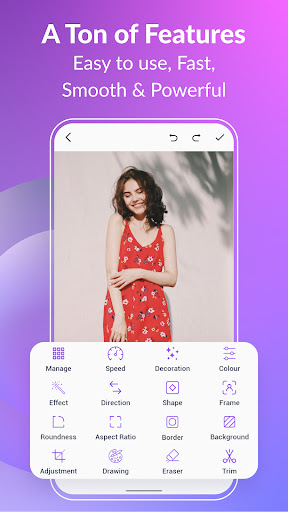
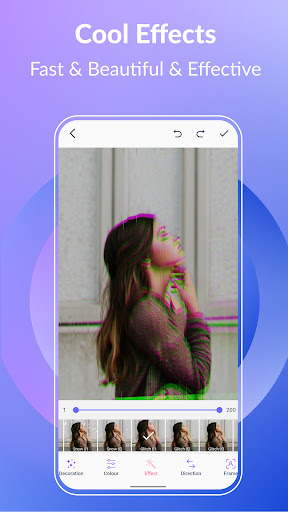
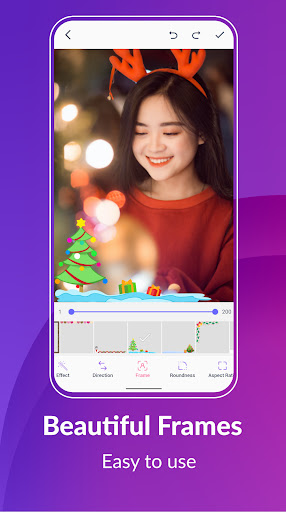
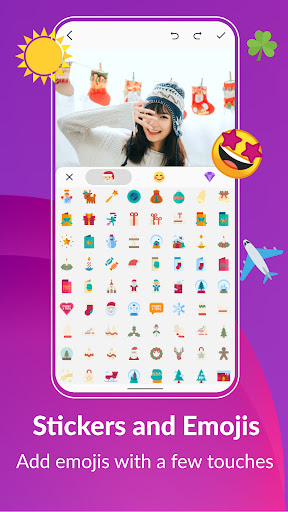
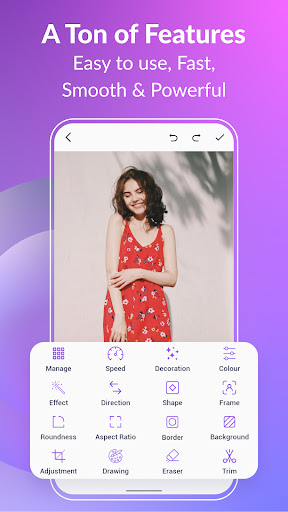
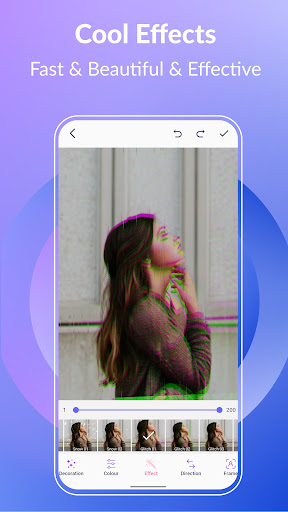
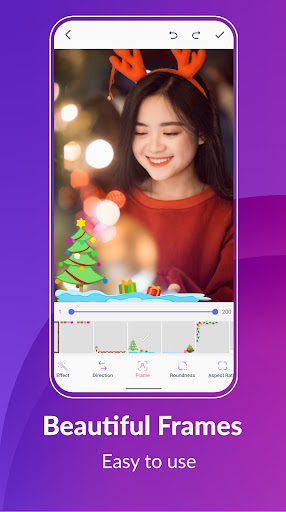
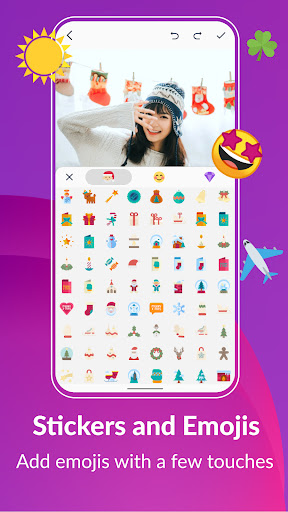
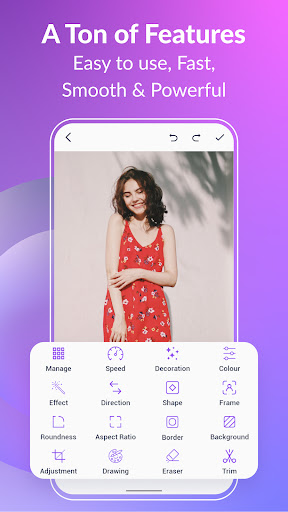
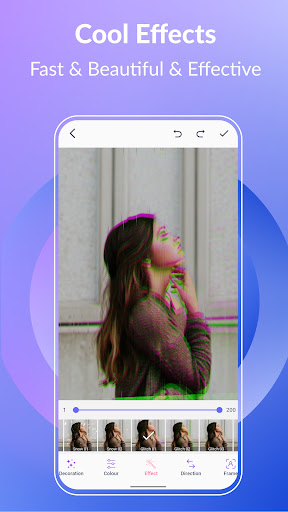
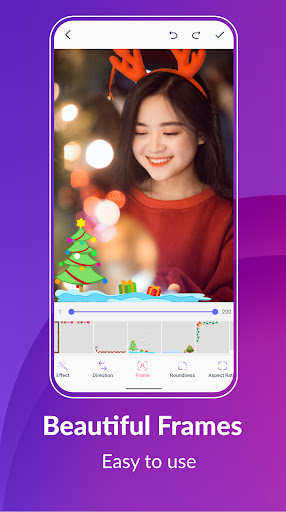
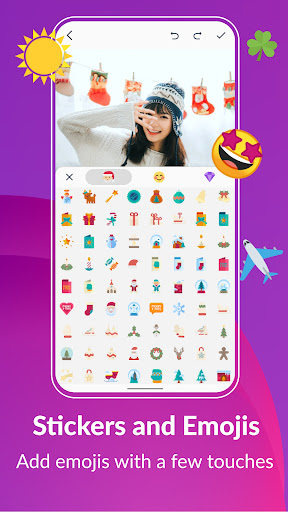
Click to download now, finish the installation quickly, and directly unlock the "all-round experience"
About This App
🏆 Expert Verdict & Overview
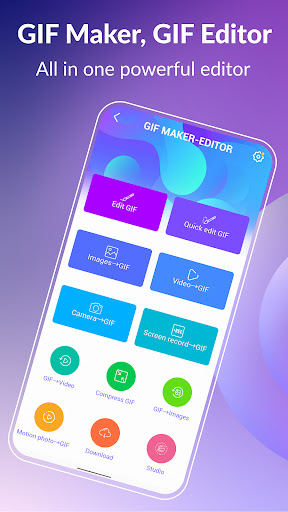
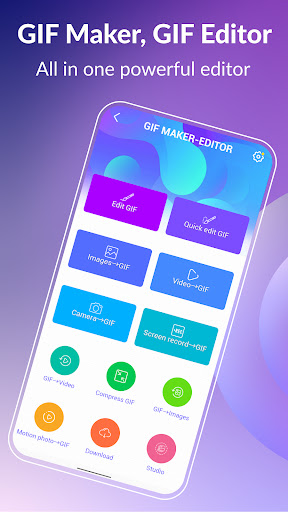
GIF Maker, GIF Editor positions itself as a comprehensive and utility-focused player within the Photography and graphic design tool ecosystem. It primarily serves a crucial niche market for users needing to create, modify, and optimize animated GIFs for communication, content creation, and social media. Its core promise—delivering a watermark-free, feature-rich experience across multiple media formats—aims to solve a fragmented workflow for both casual and power users in this space.
🔍 Key Features Breakdown
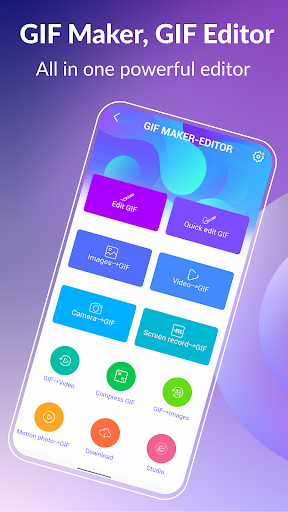
- Multi-Format Source Import: Solves a major pain point by allowing users to create GIFs from virtually any media type (JPEG, PNG, MP4, screen recordings, etc.), eliminating the need to pre-convert files in separate apps.
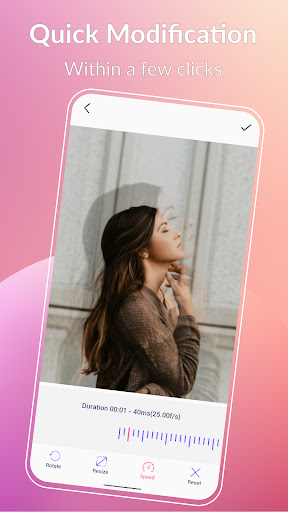
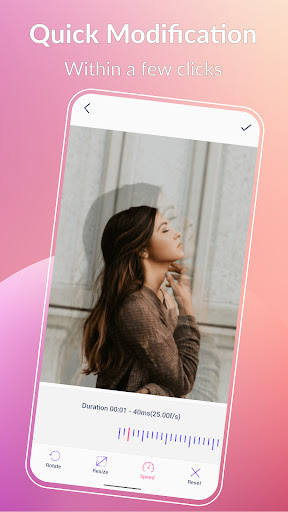
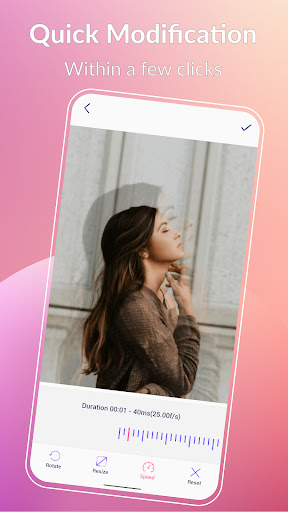
- In-depth GIF Editor: Beyond basic creation, features like frame extraction, background customization (transparent/solid/gradient), and frame-by-speed control empower users with fine-tuned editing capabilities typically found in more complex software.
- Compression & Conversion Tools: Addresses sharing and compatibility issues directly. The compressor helps meet platform file size limits, while the GIF-to-video converter adapts content for networks that favor video formats.
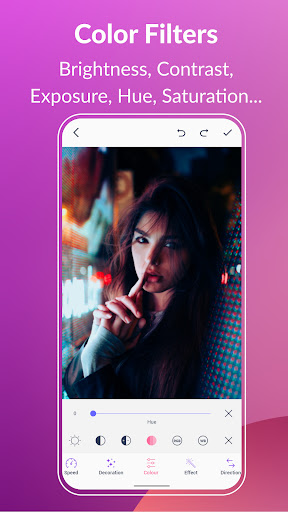
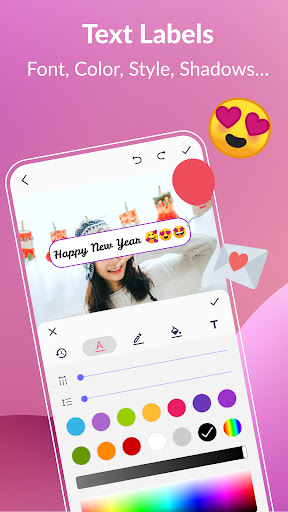
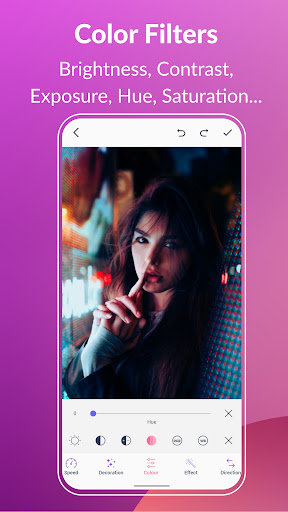
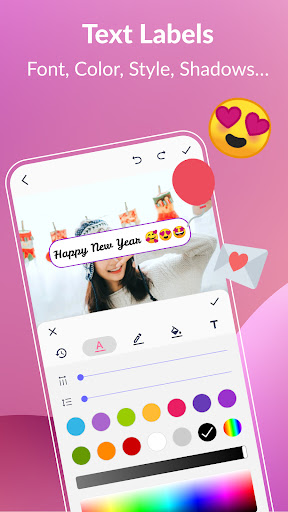
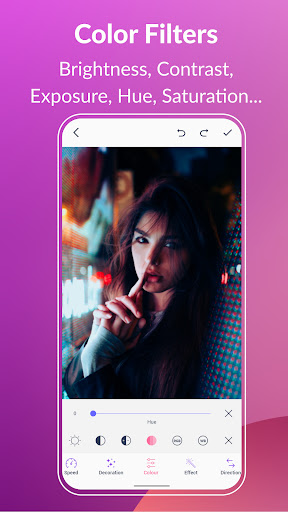
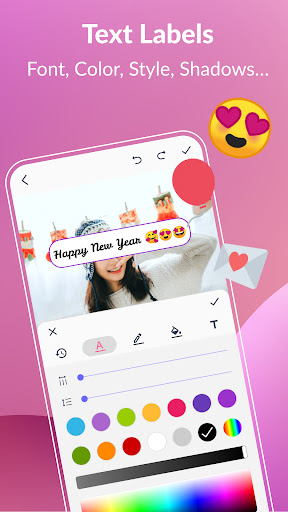
- Creative Suite Add-ons: Text labels, memes, stickers, color filters, and artistic effects provide a layer of personalization and branding, turning functional GIFs into expressive, shareable content.
- Robust Sharing Integration: Direct sharing to major platforms (WhatsApp, TikTok, GIPHY, etc.) streamlines the final step of the content pipeline, reducing friction and encouraging distribution.
🎨 User Experience & Design
The interface is described as intuitive and user-friendly, a crucial factor for a utility app in the Photography category where users seek to achieve results quickly without a steep learning curve. Supporting both dark and light themes caters to user preference and reduces eye strain during editing. The emphasis on tasks being achievable in "just a few taps" or "three clicks" indicates a UX strategy focused on reducing complexity and cognitive load, which is well-aligned with the on-the-go, iterative nature of modern digital content creation. The central challenge will be maintaining this simplicity while offering its extensive suite of advanced features without overwhelming the user.
⚖️ Pros & Cons Analysis
- ✅ The Good: Exceptionally broad format support for import eliminates pre-processing steps.
- ✅ The Good: Provides professional-grade features like background removal and frame control without a watermark, a significant advantage over many competitors.
- ✅ The Good: Includes practical utilities (compression, conversion) that address real-world sharing problems within a single app.
- ❌ The Bad: The sheer breadth of features risks creating a cluttered or confusing interface if not organized meticulously.
- ❌ The Bad: Performance with high-frame-count (up to 400 frames) GIFs could be demanding on older devices, potentially leading to lag or crashes.
- ❌ The Bad: Lacks mention of cloud backup/sync for projects, which limits workflow portability across devices.
🛠️ Room for Improvement
Specific suggestions for a future update would include implementing a project file system with cloud sync (e.g., via Google Drive) to allow users to start edits on one device and finish on another. Introducing a beginner-friendly "Guided Mode" that simplifies the interface for core tasks (make, edit, share) while keeping advanced tools in a "Pro" section would enhance accessibility. Finally, adding reverse play, simple object/sticker animation (e.g., bounce, fade), and stabilization for shaky video-source GIFs would significantly expand creative possibilities for users.
🏁 Final Conclusion & Recommendation
This app is strongly recommended for social media managers, content creators, marketers, and enthusiasts who regularly need to produce customized, high-quality GIFs for communication and engagement. It is also highly suitable for general users looking for a powerful, all-in-one solution to replace multiple single-function apps. For its depth of features without crippling limitations, GIF Maker, GIF Editor represents a excellent value proposition for anyone serious about creating and editing animated GIFs on Android.
Best Similar Apps