Photo blend

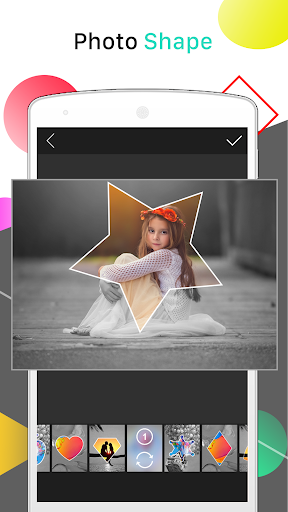
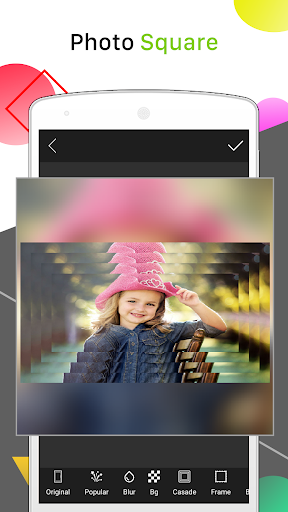
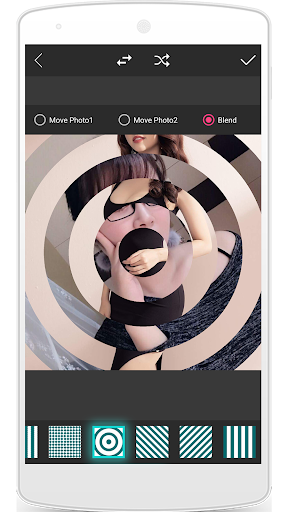
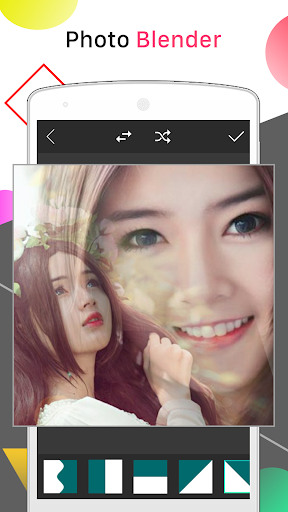
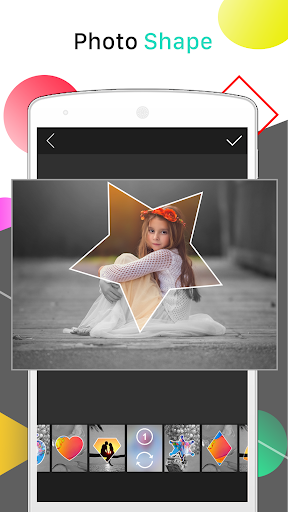
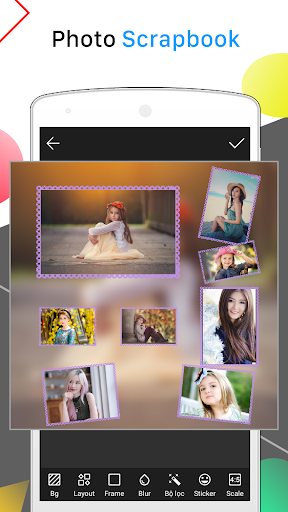
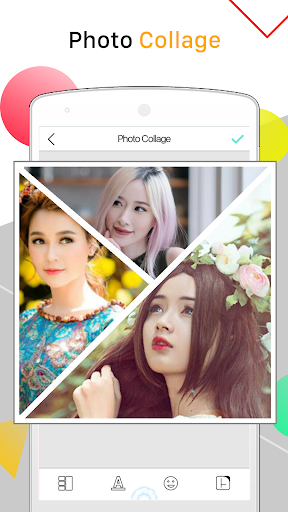
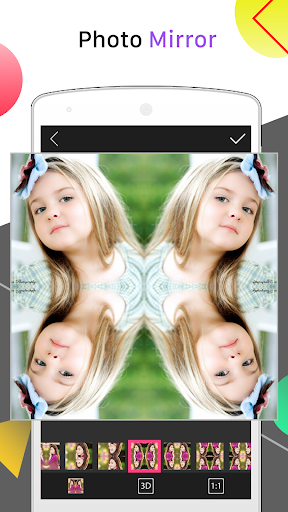
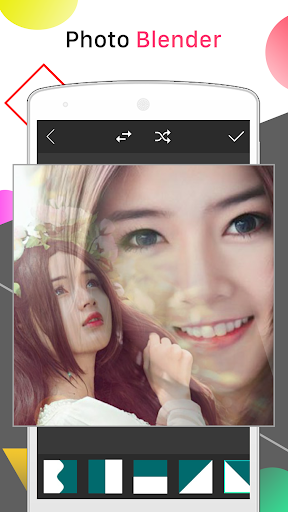
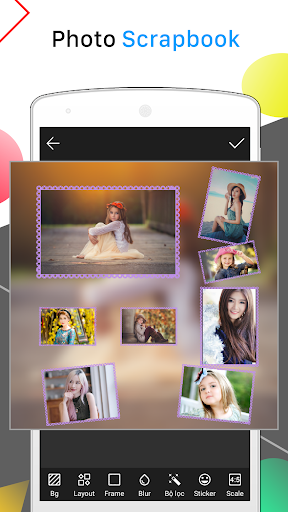
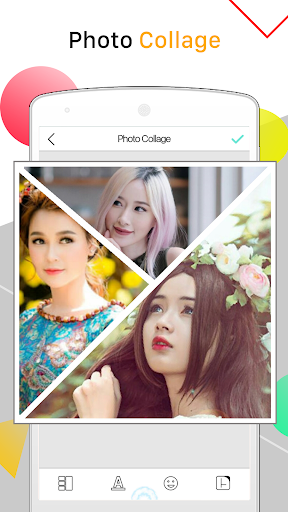
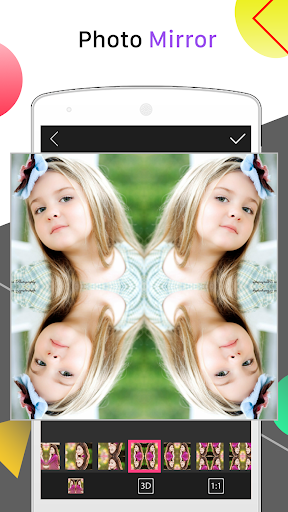
Click to download now, finish the installation quickly, and directly unlock the "all-round experience"
About This App
🏆 Expert Verdict & Overview
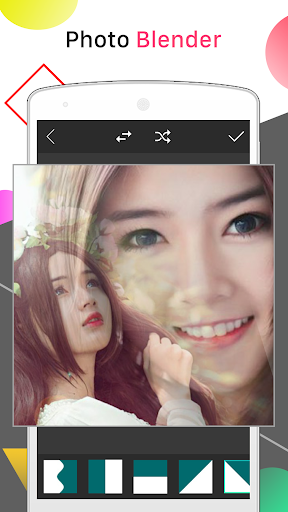
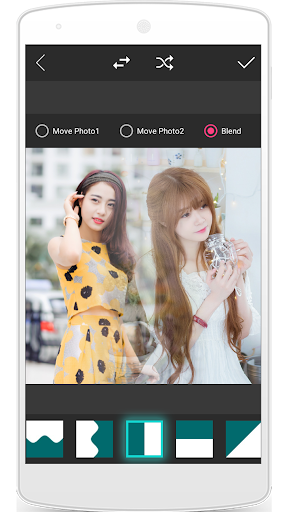
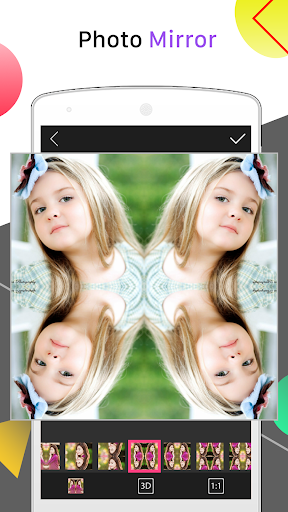
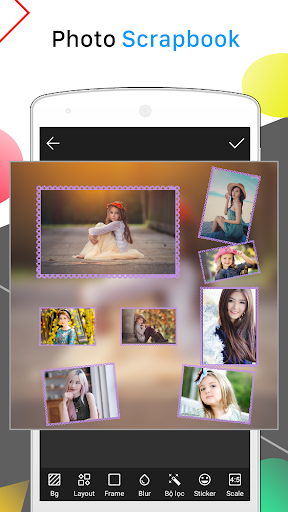
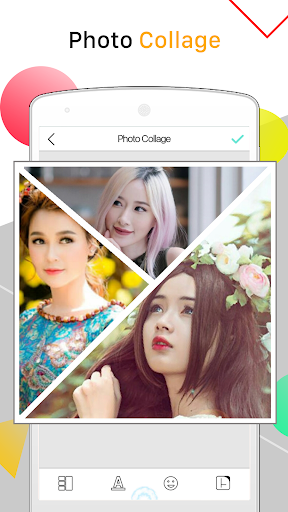
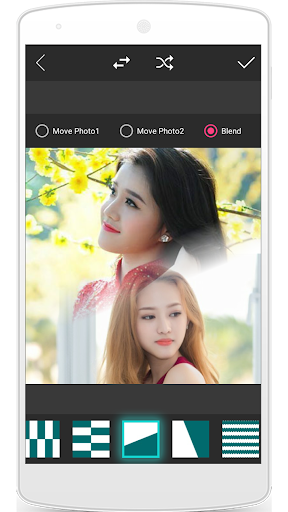
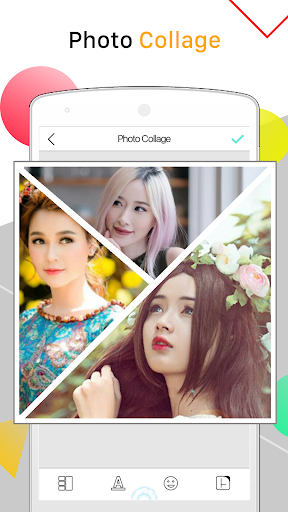
Photo Blend positions itself as a comprehensive, all-in-one solution within the competitive Personalization app landscape. It goes beyond simple photo blending to offer a robust suite of creative tools—from advanced collage creation and multi-image montages to effects like mirroring, blurring, and text/sticker overlays. The app's primary strength lies in its versatility, aiming to be the single tool a user needs to elevate their photos for social media and personal expression.
🔍 Key Features Breakdown
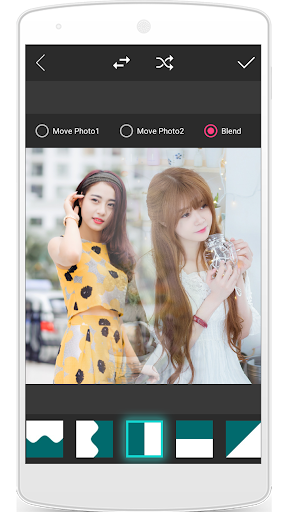
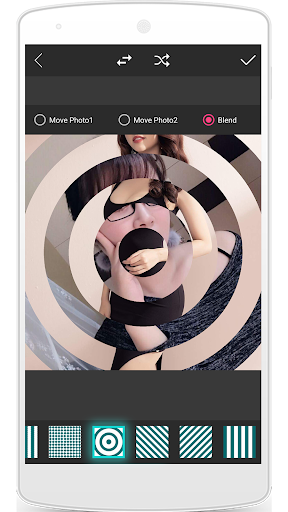
- Multi-Image Blending & Montages: Solves the core problem of creating seamless, artistic composites from multiple photos, a key demand for storytelling on visual platforms like Instagram. Users can move beyond basic side-by-side collages.
- Advanced Collage Maker with Deep Customization: With hundreds of templates and granular controls over spacing, corners, and shadows, this feature addresses the user's desire for unique, non-generic layouts without needing professional design software.
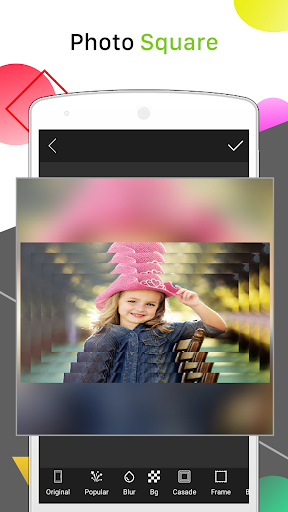
- Social-First Output Tools: Features like "post full size photo without cropping" and "square blur background" directly tackle platform-specific limitations (e.g., Instagram's crop) and user needs to make their main subject stand out.
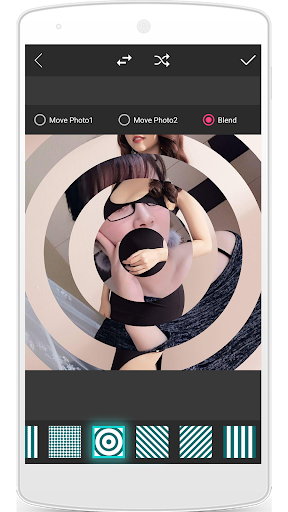
- Comprehensive Effect Suite (Mirror, Splash, Blur): Provides users with easy access to popular, complex-looking artistic effects that would typically require multiple apps or advanced editing knowledge, lowering the barrier to creative enhancement.
- Sticker & Text Library: Enables quick personalization and meme creation, adding context, humor, or emphasis to photos, which is a fundamental driver of engagement on social media.
🎨 User Experience & Design
The app's interface appears to be functionality-dense, which is a double-edged sword. For the Personalization category, where creative exploration is key, offering a vast array of tools (collage, blend, stickers, effects) in one place is a significant UX advantage, reducing app-switching fatigue. The inclusion of a "random" button suggests an understanding of users seeking inspiration. However, presenting this many features risks creating a cluttered or intimidating UI. The success of the UX hinges on intuitive navigation, clear iconography, and a logical workflow that guides users from photo selection to final export without confusion.
⚖️ Pros & Cons Analysis
- ✅ The Good: Exceptional breadth of creative tools in a single, free app.
- ✅ The Good: Directly addresses common social media formatting pain points (e.g., no-crop full-size uploads).
- ✅ The Good: High degree of customization for collages and effects allows for unique outputs.
- ❌ The Bad: Feature overload could lead to a steep learning curve or a messy interface.
- ❌ The Bad: The description's repetitive and fragmented nature may reflect similar disorganization within the app itself.
- ❌ The Bad: Heavy focus on Instagram may limit perceived utility for users of other platforms or for non-social media purposes.
🛠️ Room for Improvement
Future updates should prioritize streamlining the user journey. A key improvement would be implementing an interactive onboarding tutorial that highlights core workflows (e.g., "Create a Blend" vs. "Make a Collage"). Enhancing the in-app photo management system to allow for project saving or drafts would cater to more serious users. Furthermore, adding quality-of-life features like one-tap aesthetic presets or smarter auto-blend algorithms could make advanced functionality more accessible to casual users, bridging the gap between power and simplicity.
🏁 Final Conclusion & Recommendation
Photo Blend is best suited for social media enthusiasts, casual content creators, and anyone who regularly shares photos online and desires more creative control than basic platform filters allow. It is ideal for users who want to explore multiple editing styles—blending, collaging, effects—without downloading separate apps. Despite potential interface complexity, its powerful, free feature set offers significant value. The final verdict is a recommendation for users seeking a versatile, all-in-one photo personalization toolkit, with the advice to be patient during the initial learning phase to unlock its full potential.
Best Similar Apps